Planning Workshop
Presented by ERL
Why Planning?
Every robot’s journey eventually faces a crucial challenge: How does a machine choose its actions? Planning is the process that transforms a robot’s understanding of its environment into purposeful decisions. By evaluating options and sequencing tasks, planning enables robots to move beyond simple reactions toward deliberate, goal‑driven behavior. Eventually when combined with mapping and localization, these strategies evolve into SLAM (Simultaneous Localization and Mapping).
Goal
This workshop series aims to introduce basic SLAM robotics concepts to students. Our workshop targets all experience levels and intends to get students more interested in intelligent systems.
Workshop Logistics
Date: October 29th 2026
Time: 4:00 pm to 7:00 pm
Location: Henry Booker Room
Itinerary
4:00 - 4:05: Introduction to ERL
4:05 - 4:45: A* and Djisktra's Algorithm
4:45 - 4:50: Break
4:50 - 5:30: RRT and RRT*
5:30 - 6:00: Control and Pure Pursuit Notebook
6:00 - 6:30 Demo
Workshop Prerequisites
- (Optional) To run the planning simulation on your own laptop, please complete the Docker setup steps at the bottom of this page in advance.
- Please complete the Workshop Pre-Survey before the workshop.
What You Will Make
In this workshop, students will learn and practice implementing three major robot path planning algorithms — Dijkstra, A*, and RRT — each designed to help a robot move from a start point to a goal point while avoiding obstacles. Students will also get an intro to Control Theory.
Students will complete guided Colab notebooks for each algorithm, working through fill‑in‑the‑blank coding exercises and progressively building the logic behind each planner. After finishing the RRT notebook, they will move into an Algorithm Comparison exercise, where they directly compare Dijkstra, A*, and RRT on different planning scenarios. Students will discuss trade‑offs, choose which algorithm fits best for each case, and explain their reasoning.
Finally, a demo will be shown to illustrate how these algorithms can be applied in practice. This closing activity will tie the coding work to real‑world decision‑making and help students connect the theory of path planning to autonomous navigation challenges faced by actual robots.
Notebooks (During Workshop)
- Dijkstra's And A* Algorithm: link to notebook
- RRT : link to notebook
- Pure Pursuit: link to notebook
Workshop Slides
Key Concepts We'll Explore
- Planning
- Dijkstra’s and A* Algorithm
- Rapidly Exploring Random Tree (RRT)
- RRT*
- Control
- Pure Pursuit
Why should I go to this workshop?
Going to this workshop enables you to get further experience and knowledge in robotics. Robotics is a field that is growing rapidly, and there are many applications of robotics in the real world including:
- Manufacturing
- Healthcare
- Agriculture
- Security
- Construction
- ... and more!
Gaining experience in robotics also can help you gain experience in a wide variety of topics including computer vision, machine learning, actuators, autonomous vehicles, and more! The possibilities are near limitless in robotics.
Installation for PyBullet Simulations!
The simulations run in Docker, so the setup is the same on Linux, Windows, and macOS (including Apple Silicon). You don't need to install PyBullet or Python yourself, and you don't need to clone anything.
- Install Docker Desktop and start it.
- Open a terminal (PowerShell on Windows, Terminal on Mac) and run the command below. The first run downloads about 1 GB, so please do it before the workshop on a good connection.
1 | |
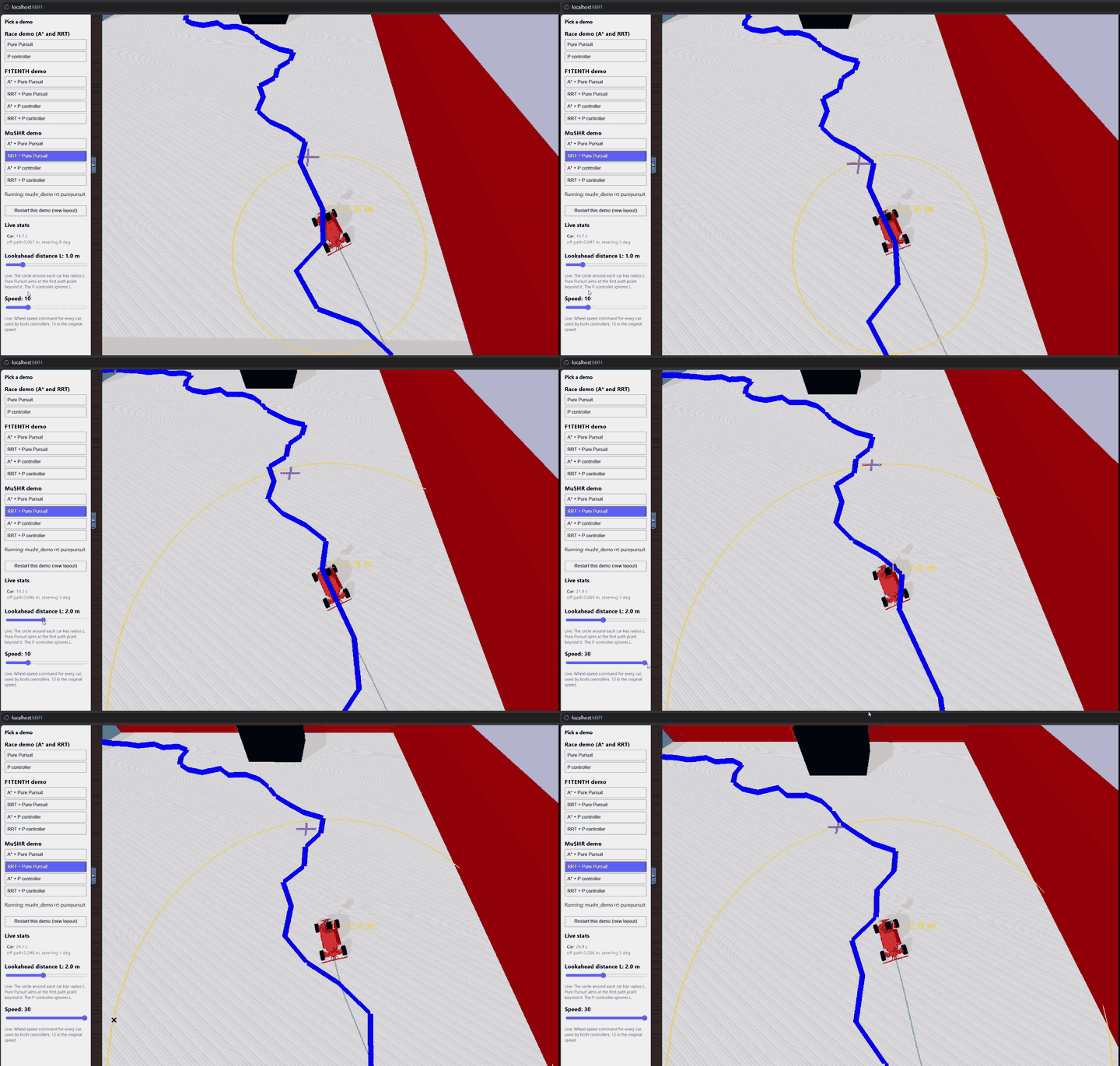
- Open http://localhost:6081 in your browser. You will see a list of demos on the left and the simulator on the right.
The full instructions, with troubleshooting tips, are in the setup repository:
What you will see
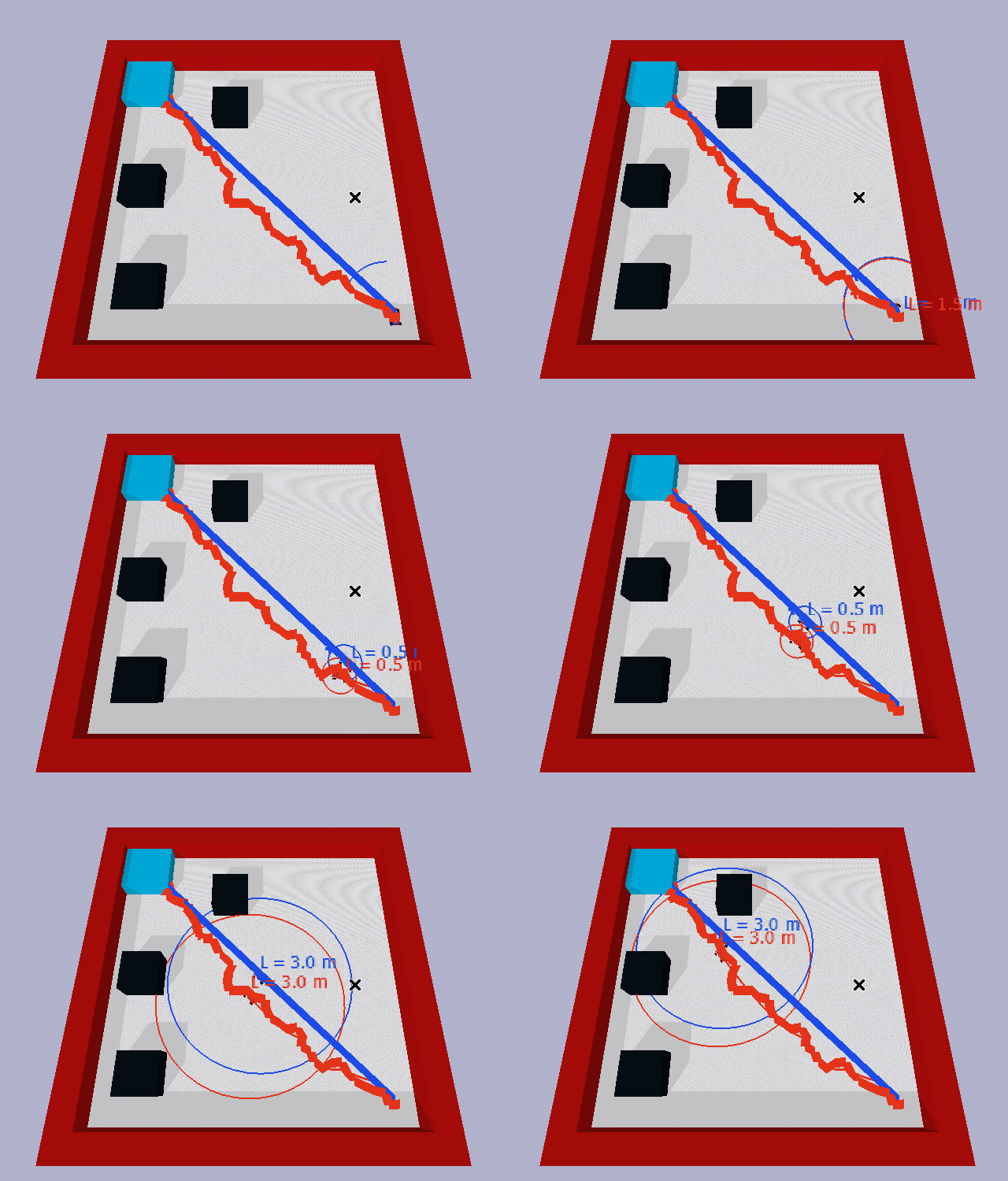
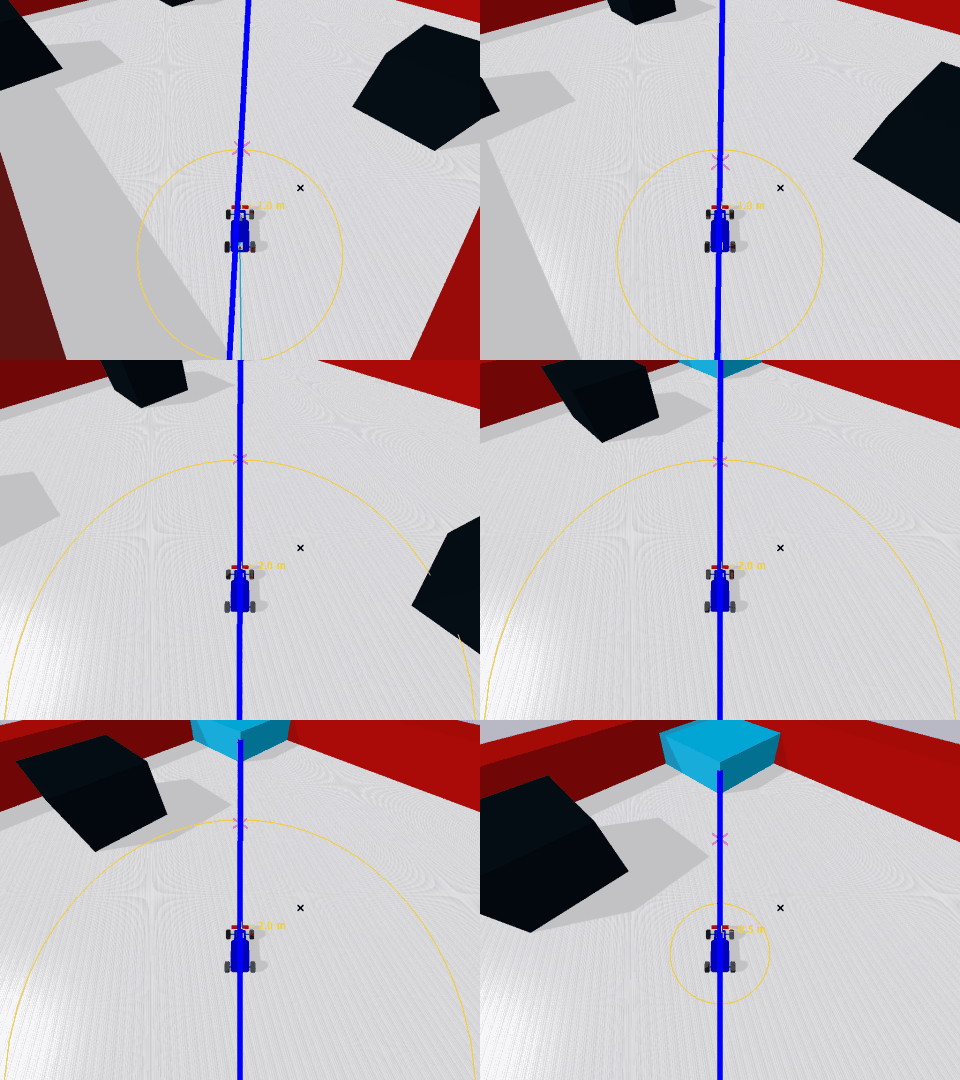
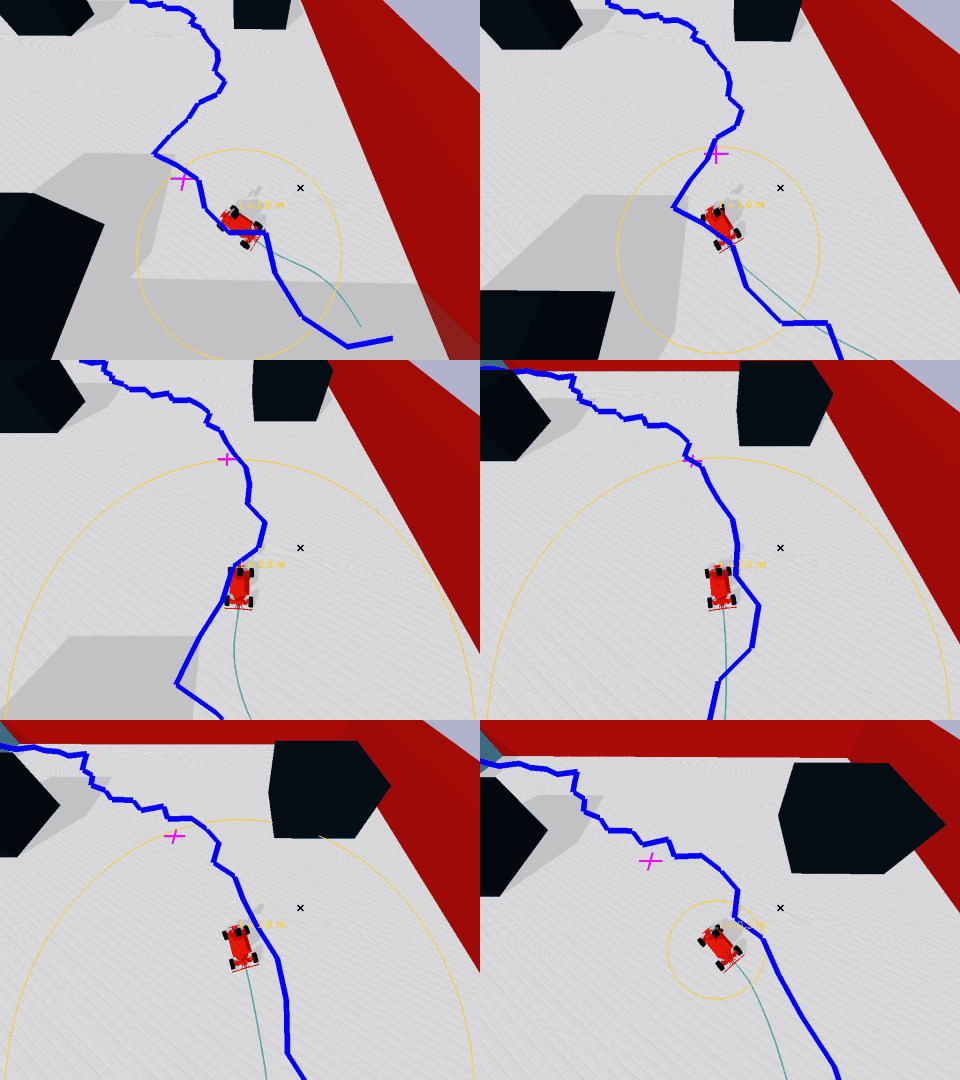
The demo page lets you pick a planner and a controller, then watch a car drive the planned path. While a demo runs you can drag the lookahead (L) and speed sliders and see the effect right away. The circle around each car has radius L, the cross marks the waypoint Pure Pursuit is aiming at, and the trail shows where the car actually drove. We will play with these together during the demo.